Null Terminal
"Shell in the Void."


Status
Null Terminal is under active development. Features and APIs are evolving rapidly.
Null Terminal is a next-generation TUI designed for the modern AI-integrated workflow. It bridges the gap between manual shell operations and autonomous agent workflows, wrapped in a sleek, cyber-noir aesthetic.
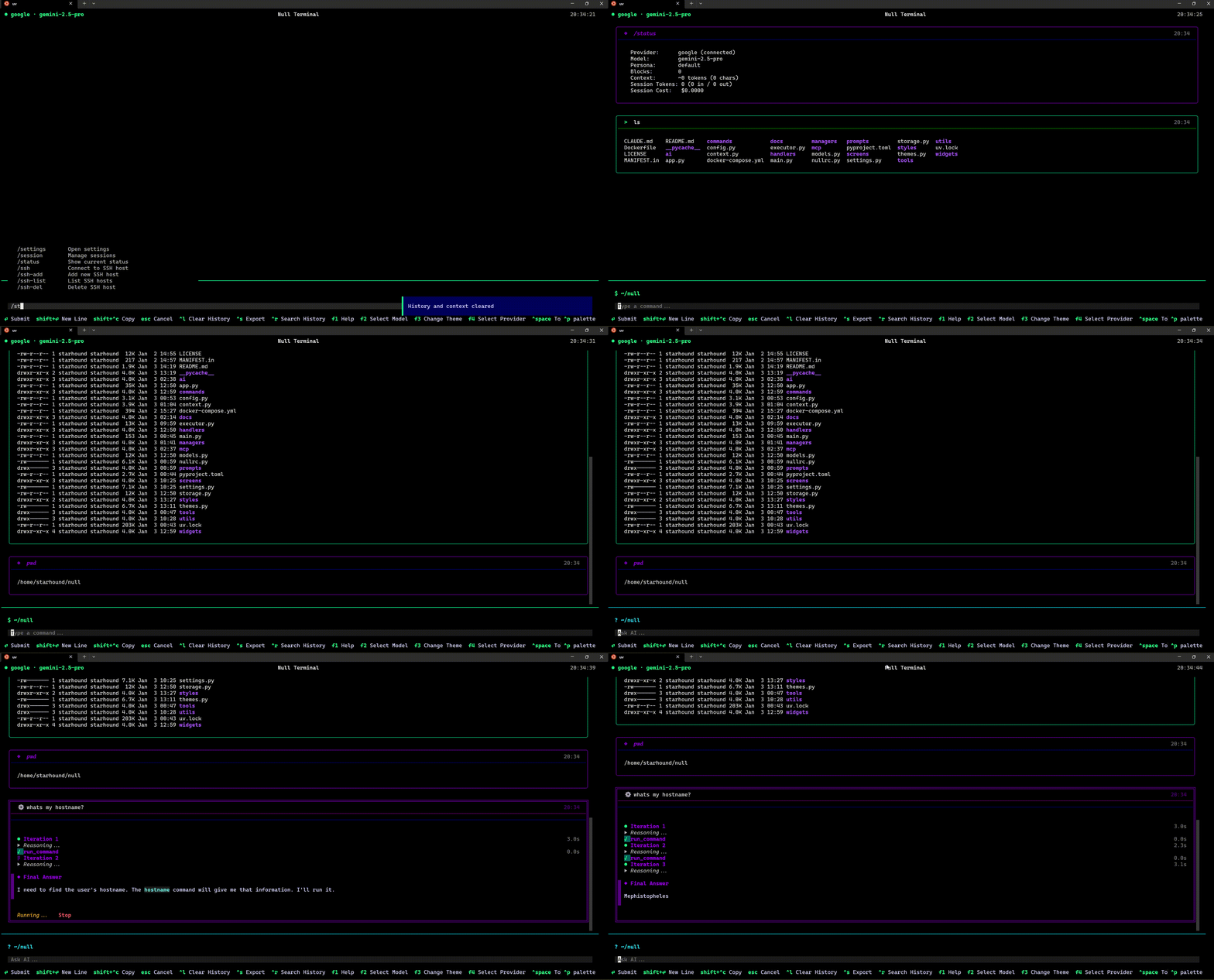
The Null Philosophy
We believe the terminal shouldn't just be a text buffer—it should be an intelligent workspace.
- Hybrid Workflow: Seamlessly switch between manual CLI control and AI assistance.
- Context Aware: The AI sees what you see—output, errors, and file content.
- Agentic Power: Delegate complex, multi-step tasks to autonomous agents.
- Extensible: Connect to any external service via the Model Context Protocol (MCP).
Key Capabilities
-
🧠 Multi-Provider AI --- Connect to your preferred intelligence.
- Local: Ollama, LM Studio, Llama.cpp (Privacy-first, free)
- Cloud: OpenAI, Anthropic, Google Gemini, Azure, Bedrock, Groq
- Reasoning: Visualize the thinking process of advanced models.
-
🤖 Autonomous Agents --- Turn instructions into action.
- Agent Mode: Give high-level goals like "Refactor auth module".
- Planning Mode: Review execution plans before code changes.
- Background Tasks: Spawn agents to work while you use the shell.
-
🔌 MCP Integration --- Extend your terminal's reach.
- 100+ Integrations: Postgres, GitHub, Slack, Linear, etc.
- Zero Config: Install directly from the built-in catalog.
- Tool Use: AI naturally uses tools to fetch data and act.
-
🛠️ Ops & Admin Tools --- Built for engineers.
- Git-Native: Auto-commit, diffs, and context management.
- Task Management: Integrated
/tododashboard. - Session Management: Save, load, and share workspaces.
Quick Start
Installation
See the Installation Guide for detailed instructions.
First Steps
- Configure AI: Press
F3or type/settingsto set up your provider. - Select Model: Press
F2or type/modelto choose your LLM. - Toggle Mode: Press
Ctrl+Spaceto switch between CLI (manual) and AI (chat) modes.
Common Workflows
Analyze Logs
"Check /var/log/syslog for the last 10 errors and summarize them."
Refactor Code
"Read src/main.py and refactor the
process_datafunction to be async."
Research & Implementation
/agent"Research the best Python library for PDF extraction, then create a script to extract text fromdoc.pdf."
Documentation Structure
-
User Guide --- Comprehensive manual for all features, installation, and configuration.
-
Command Reference --- Dictionary of all slash commands, shortcuts, and parameters.
-
MCP Catalog --- Browse and configure supported external tools and servers.
-
Architecture --- Deep dive into the system design, components, and data flow.
Contributing
Null is open source and community-driven.
Built with 🖤 by Starhound